
Importing your data
Once your instance is running and your account is created, you can bring your existing subscriptions, playlists, and history in. TypeType imports from two sources: a Google Takeout export, or a PipePipe backup.
You will find this on the onboarding screen right after sign-up, and any time later under Import in the sidebar.
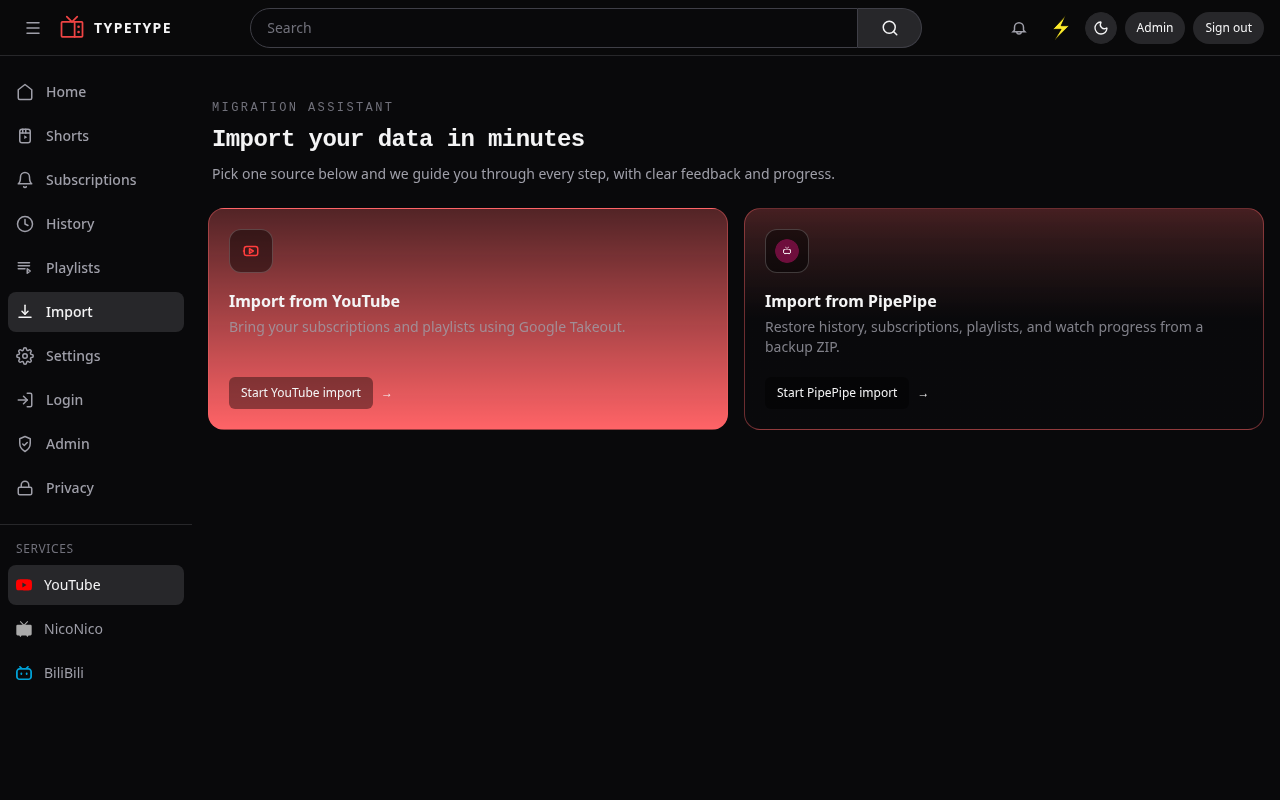
From YouTube (Google Takeout)
This brings in your subscriptions, playlists, and watch history (history only if your export includes it).
- Request a Google Takeout export of YouTube and YouTube Music, and add My Activity too if you want your watch history. The app gives you a one-click link that pre-selects the right products for you.
- Wait for Google to prepare it, then download the ZIP file(s). Large exports are split into several ZIPs, that is fine.
- On the import screen, choose Import from YouTube and drop one or more Takeout ZIP files (you can select several at once).
- Start the import, then check your subscriptions and playlists.
TIP
No need to unzip anything, upload the Takeout ZIPs exactly as Google gives them to you.
From PipePipe
Coming from the PipePipe app? Restore straight from its backup.
- Export a backup from PipePipe (a
.zipfile). - On the import screen, choose Import from PipePipe and drop the backup ZIP.
- This restores your history, subscriptions, playlists, and watch progress.
After importing
When the import finishes, it shows a short report of what was brought in and anything that was skipped, so you can see exactly what happened. Your subscriptions and playlists are available right away.