
Quick start
The fastest and recommended way to self-host TypeType is the install script. It sets up the whole stack for you, secrets, free ports, services, and the object store for downloads, so you get a complete, working instance in one command.
Prefer doing it by hand?
Everything the script does is also documented step by step in Manual setup, if you want full control or to understand each part.
One command
curl -fsSL https://raw.githubusercontent.com/Priveetee/TypeType/main/scripts/install-stack.sh | bashThe installer:
- creates
~/typetype-stackwith the compose file and its companions, - generates the downloader and YouTube remote-login secrets,
- picks free ports automatically when the defaults are taken,
- starts every service,
- and bootstraps Garage, so downloads work out of the box.
It is interactive and asks for confirmation before doing anything.
Download only
To fetch the files and review them before starting Docker yourself:
curl -fsSL https://raw.githubusercontent.com/Priveetee/TypeType/main/scripts/install-stack.sh | bash -s -- --download-onlyCheck it is up
cd ~/typetype-stack
docker compose ps                 # services running
curl -fsS http://localhost:8080/health   # the API answers
Create the admin account
Open the web app (the installer prints the exact URL, http://localhost:8082 by default). On a fresh install it asks you to create an account, and the first account becomes the administrator automatically.
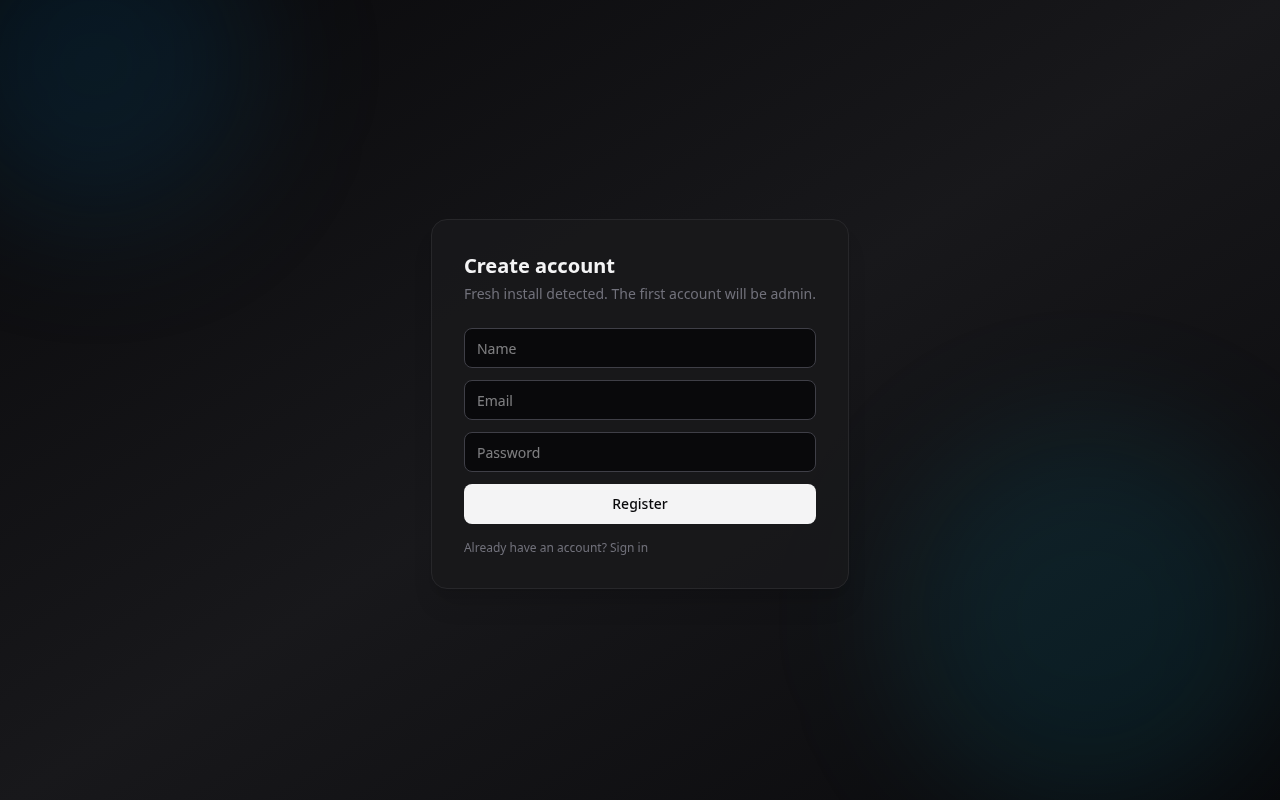
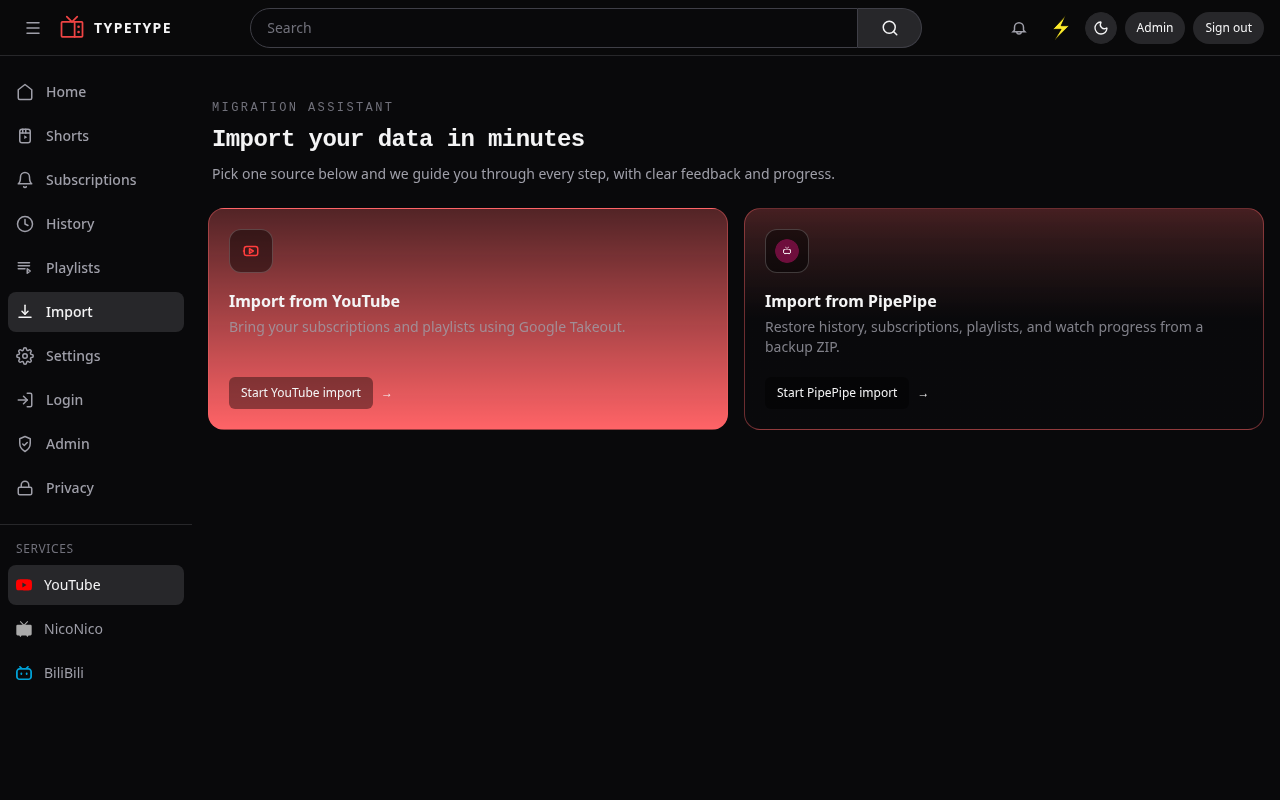
Enter a name, email, and password, then Register. You are signed in as the admin and land on the onboarding screen, where you can import your data.
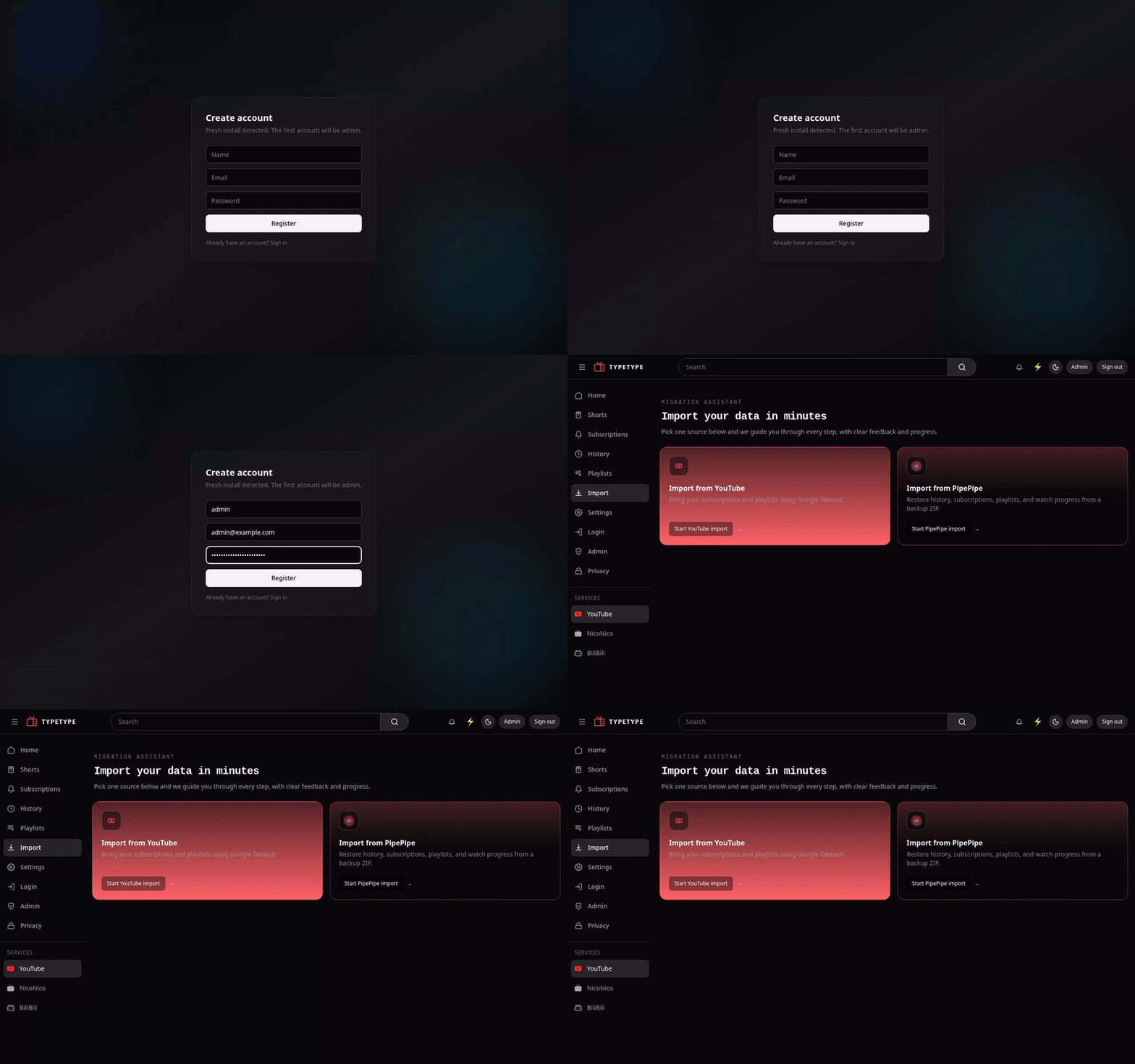
The whole flow:
Next
- Put it on your own domain with HTTPS, Reverse proxy and HTTPS.
- Tune ports, database, and secrets, Configuration.
- Keep it healthy, Maintenance.