
Introduction
TypeType is not a single app, it is a self-hostable ecosystem. A deployment is a set of cooperating services: a web app, an API server, a downloader, a remote-login service, and the data stores they rely on. Together they let you run your own video platform end to end.
This guide is for self-hosters who want to run that ecosystem by hand, with a single docker-compose.yml and a .env file, without running any of the bootstrap shell scripts shipped in the repository. Everything those scripts do (creating the .env, generating secrets, provisioning the object store) is documented as plain commands you can read and understand.
The components
| Component | Repository / image | Role |
|---|---|---|
| Web app | ghcr.io/priveetee/typetype | The interface, plus an nginx that proxies /api to the server |
| API server | ghcr.io/priveetee/typetype-server | Accounts, extraction, the REST API, the core of the ecosystem |
| Downloader | ghcr.io/priveetee/typetype-downloader | Prepares downloads and stores them in the object store |
| Remote login | ghcr.io/priveetee/typetype-token | Optional YouTube remote-login service |
| Database | postgres | Accounts, history, playlists, settings |
| Cache | dragonfly | Redis-compatible cache |
| Object store | garage | S3-compatible storage for downloads |
The ecosystem also includes clients beyond the web app (for example a native Android client). They all talk to the same API server, so a single self-hosted deployment serves every client.
How they fit together
Only the web app needs to be reachable by your users. In production you put a reverse proxy in front of it and serve it over HTTPS, as described in Reverse proxy and HTTPS.
What it looks like
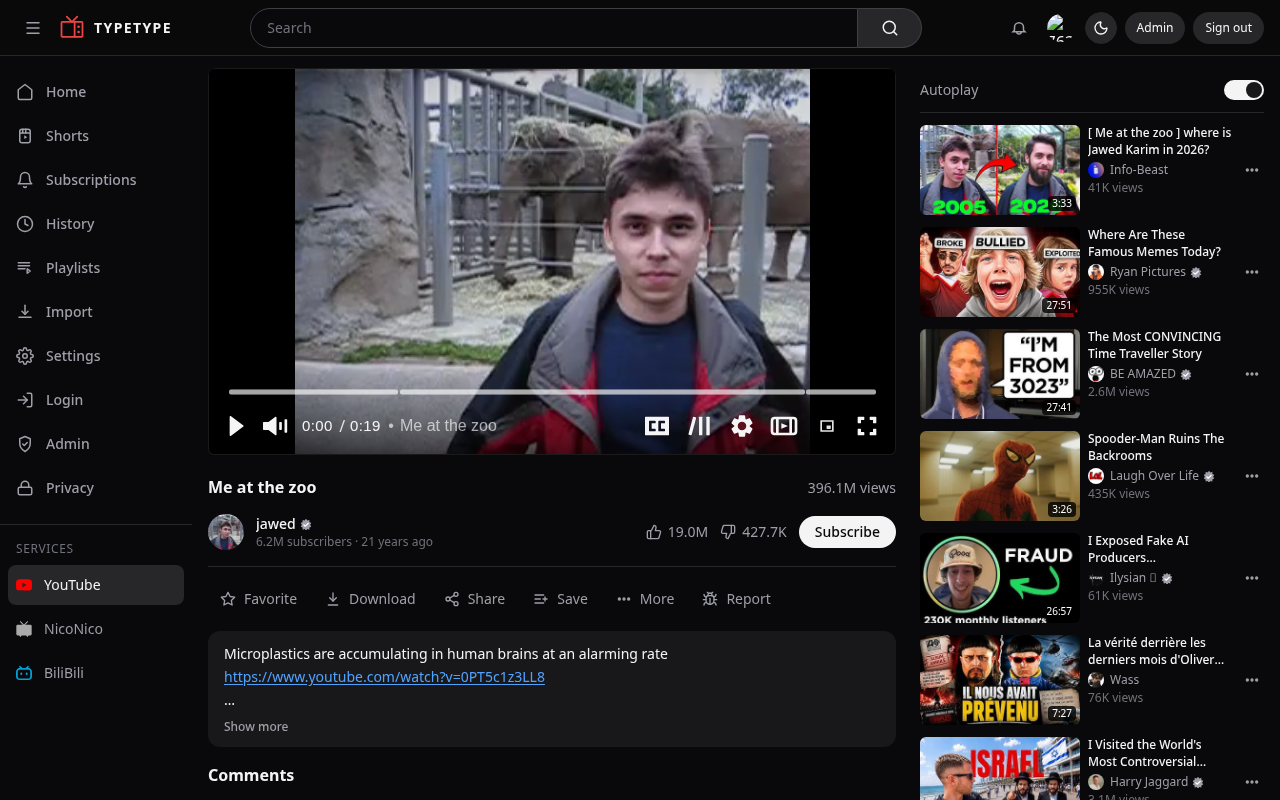
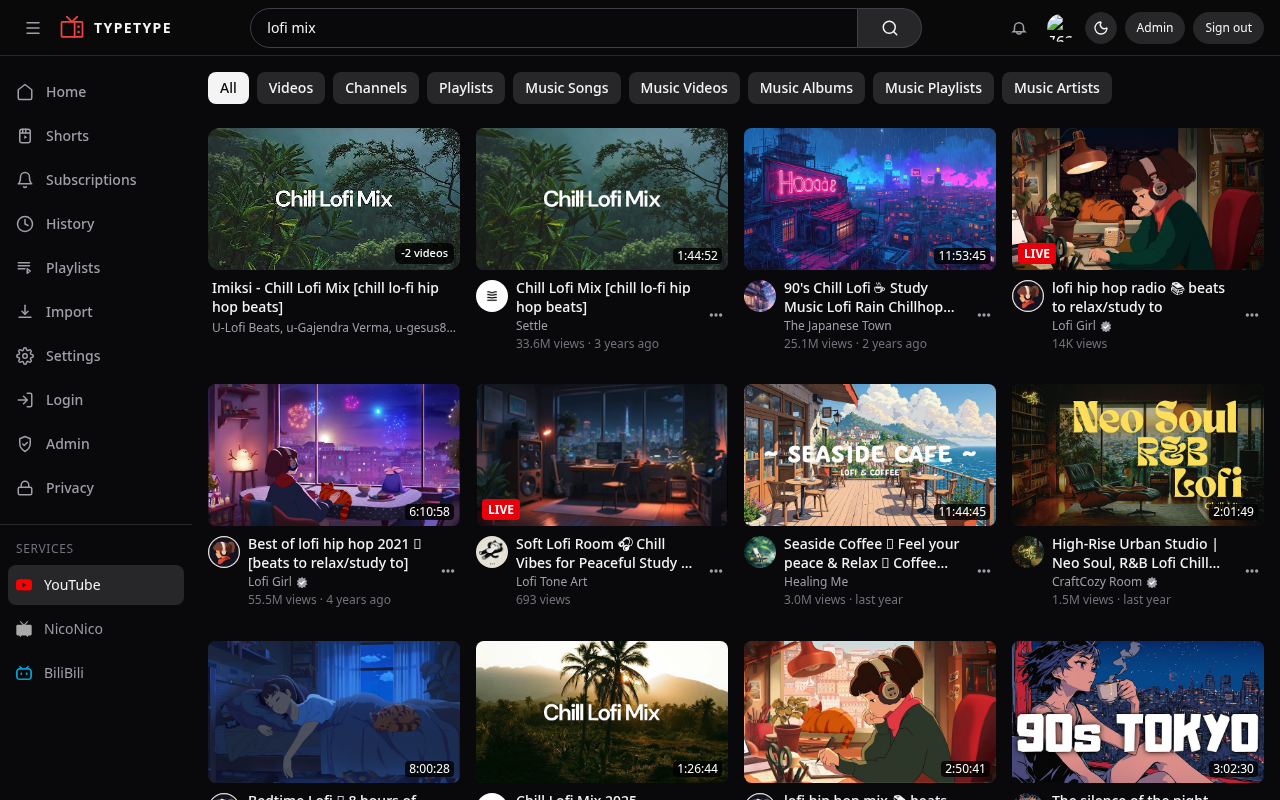
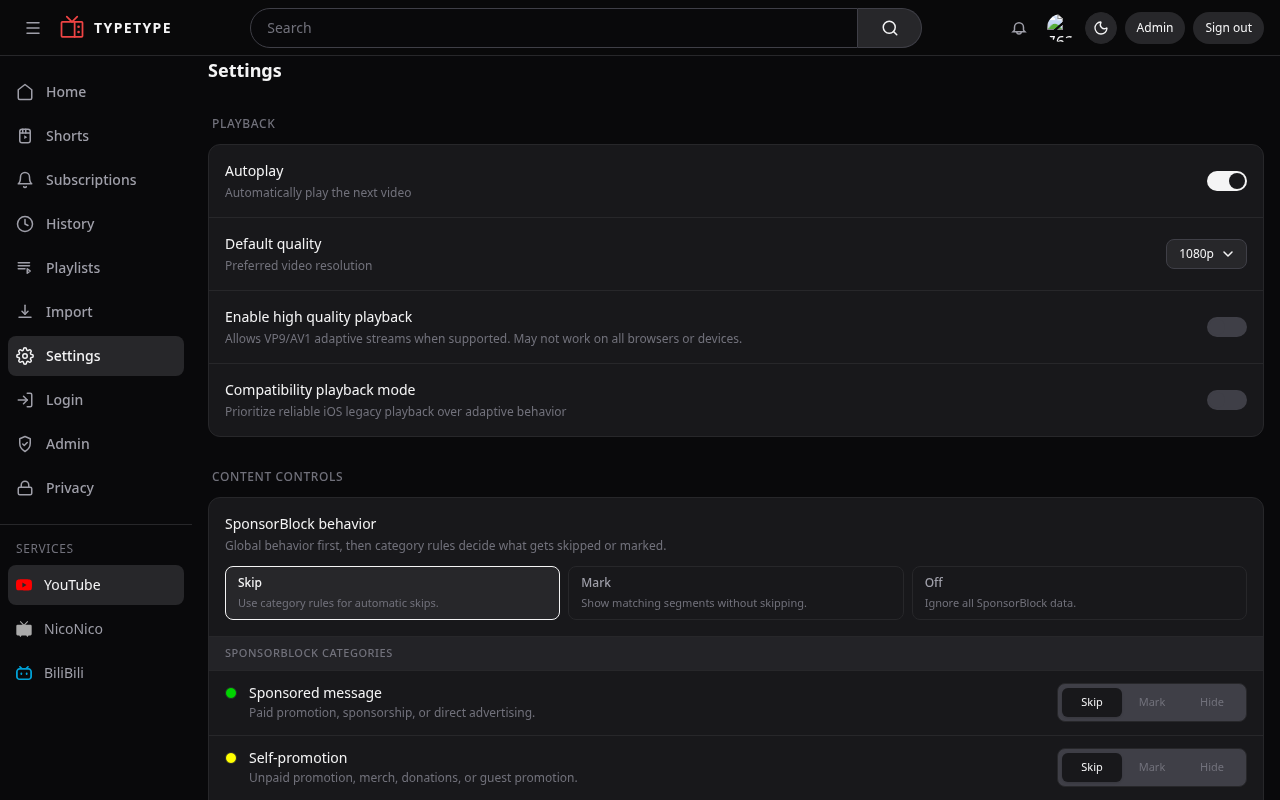
A self-hosted instance once it is running, playing a video, searching, and the settings:
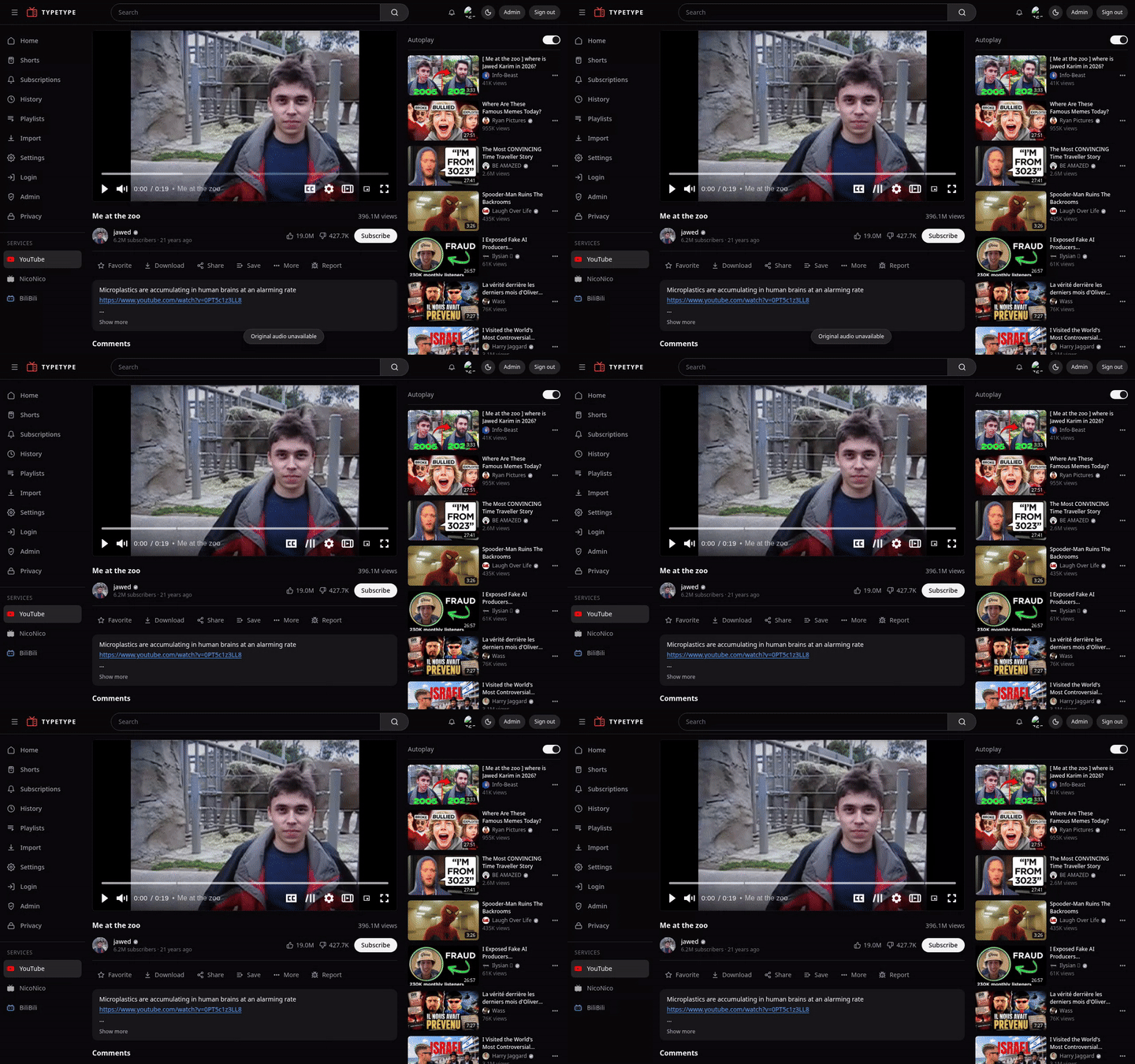
Playback in action:
How this guide is organised
- Architecture — how the pieces communicate, and where data lives.
- Prerequisites — what you need before you start.
- Quick start — the recommended one-command install.
- Manual setup — the same thing by hand, step by step.
- Configuration — every environment variable, explained.
- Importing your data — bring in subscriptions, playlists, history.
- Reverse proxy and HTTPS — exposing it on your domain.
- Maintenance — updates, backups, and logs.
- Beta and main — running the stable and preview channels.
- Reporting issues — how to report bugs.
- Troubleshooting — common issues and fixes.
Where do the files come from?
The docker-compose.yml, nginx.conf, garage.toml, and .env.example referenced throughout this guide live in the TypeType repository. Clone it first (see Manual setup or Quick start).