Your library
Everything you keep lives on your instance, your account, not a third party.
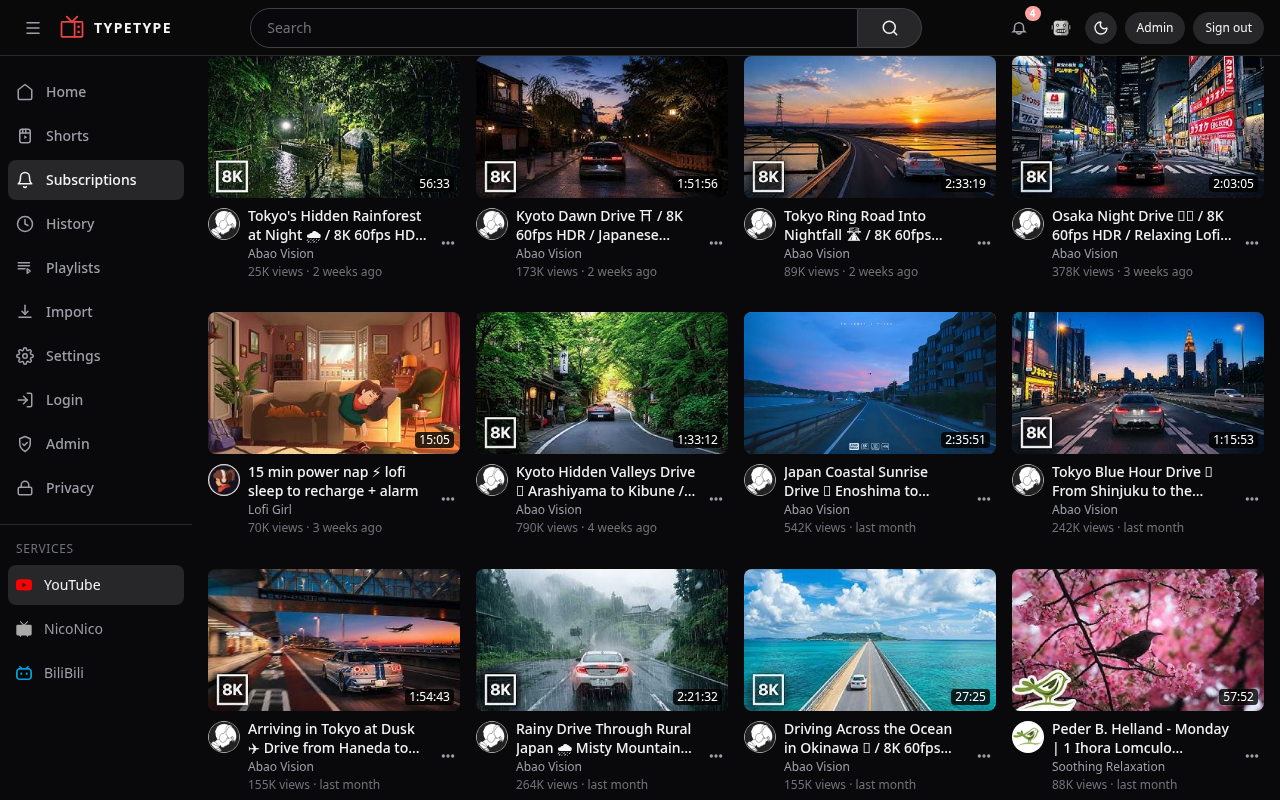
Subscriptions
Subscribe to channels and your Subscriptions feed collects their latest videos in one place. You can make Subscriptions your default landing page in Settings, and unsubscribe from everything at once from Privacy & blocking.
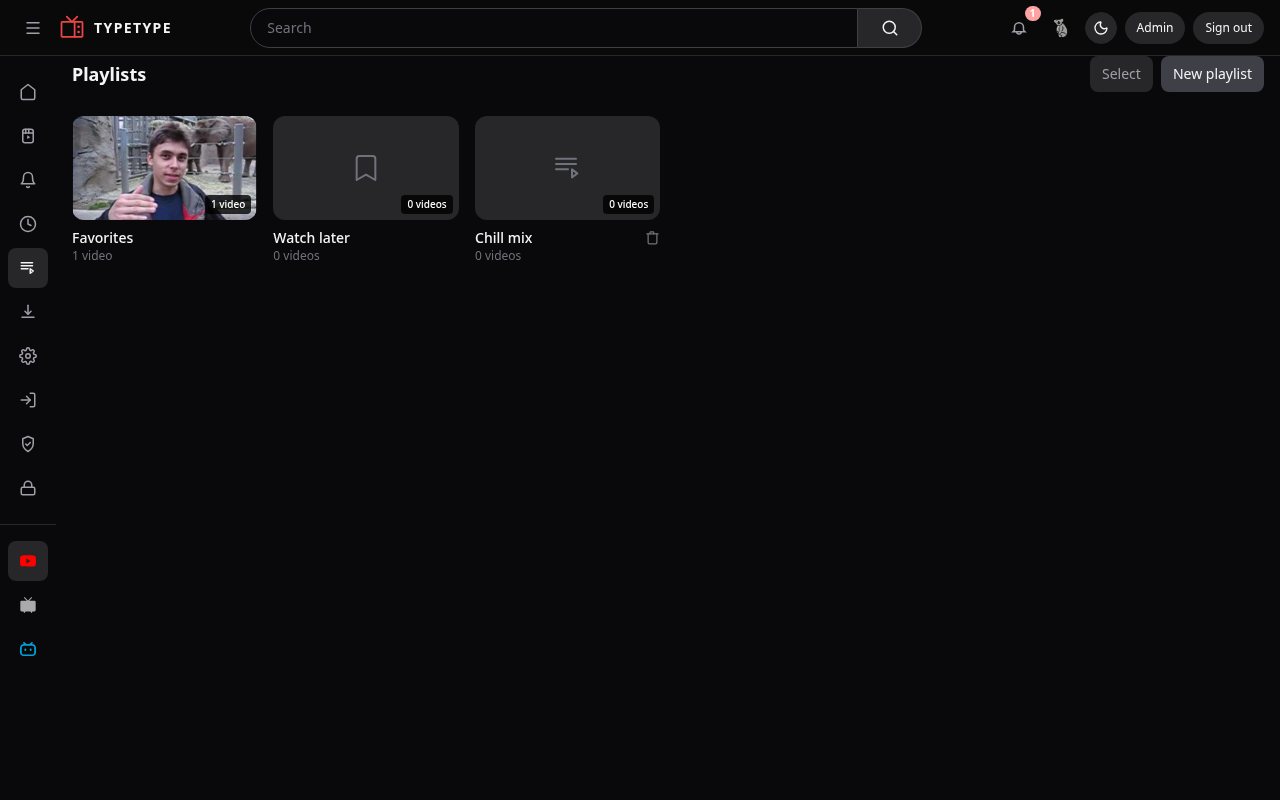
Playlists
Build and manage your own playlists:
- Create one with New playlist, give it a name.
- Add a video with Save to Playlist, available from the watch page and from cards across home, subscriptions, and related videos.
- Reorder by dragging, or shuffle to play in random order.
- Remove a video, or delete the whole playlist.
You can also save public playlists from others into your library, and remove a saved playlist when you are done with it.
History
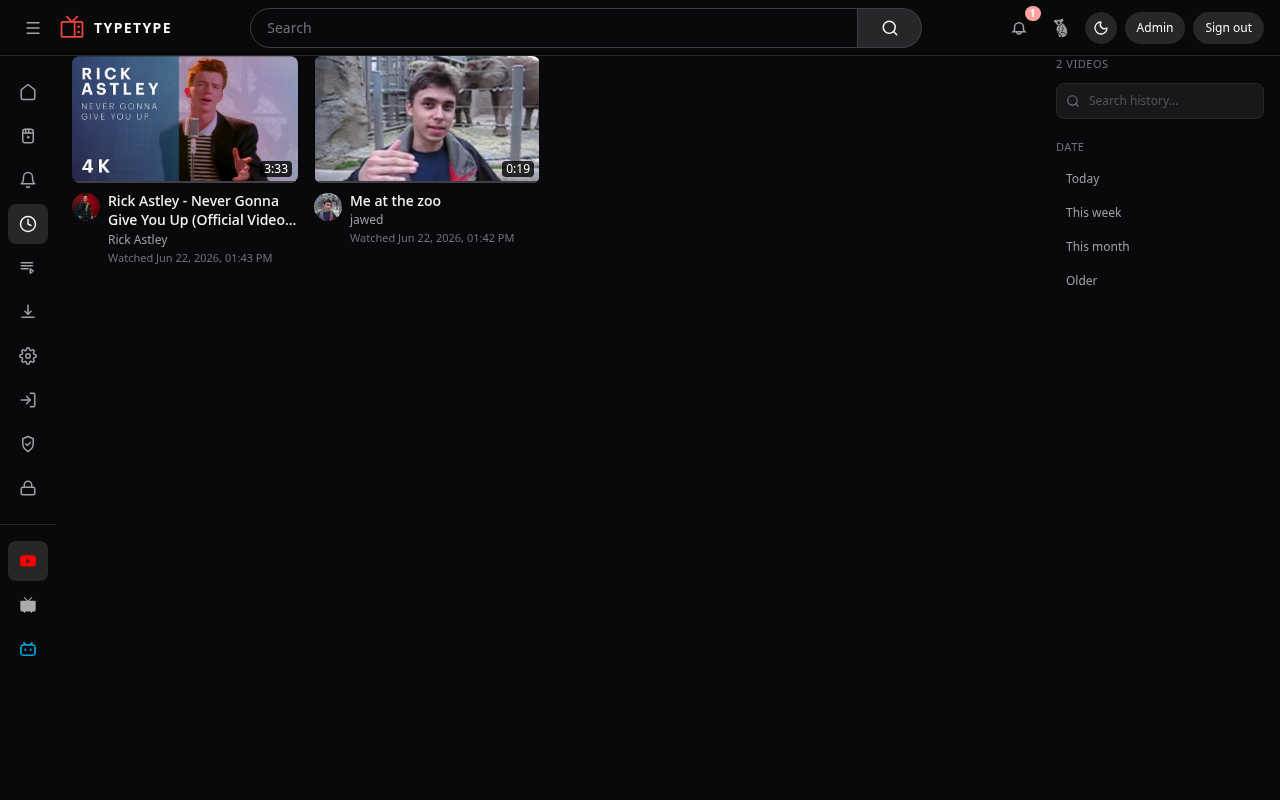
Your watch history records what you have watched and resumes where you left off. You can clear it whenever you want, see Privacy & blocking.
Watch later
Send a video to Watch later to come back to it, a simple queue separate from your playlists.
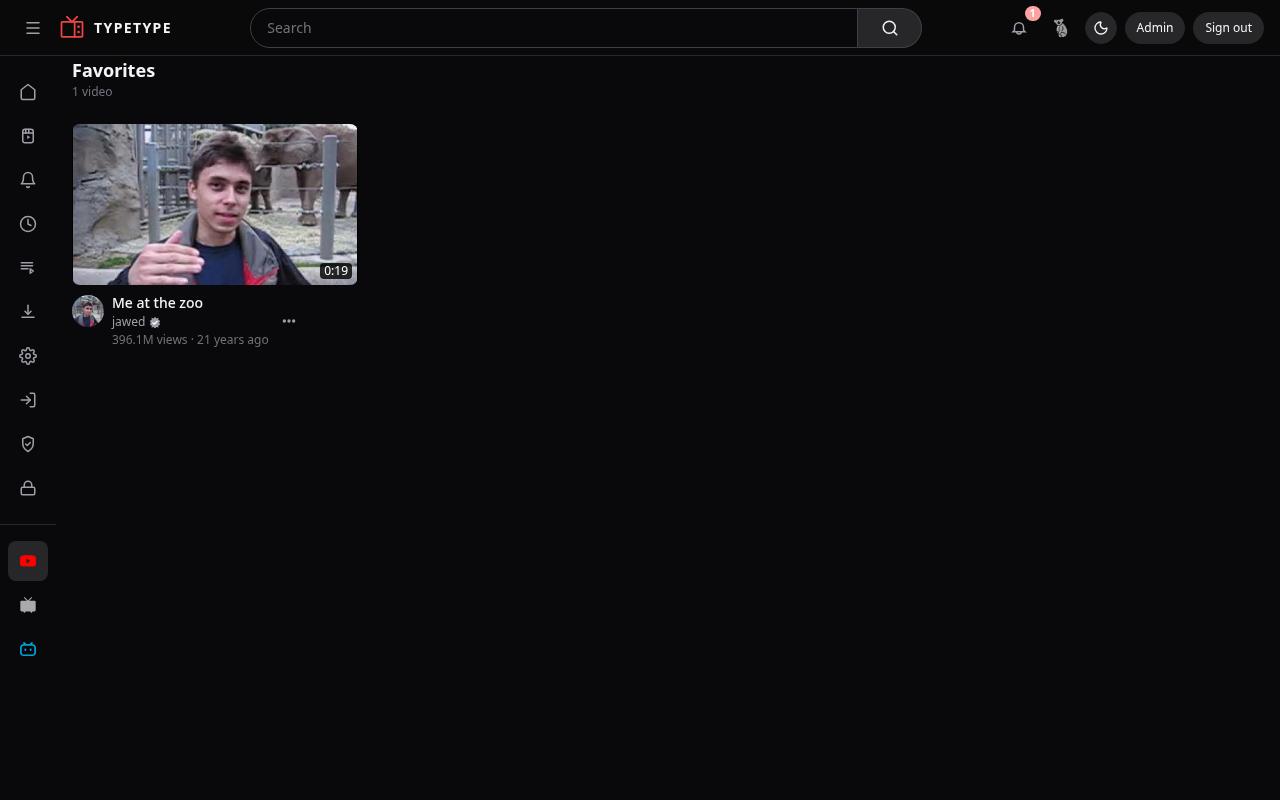
Favorites
Mark videos as Favorites for the things you want to find again quickly.