
Signing in
Your subscriptions, playlists, history, and settings are tied to your account on the instance.
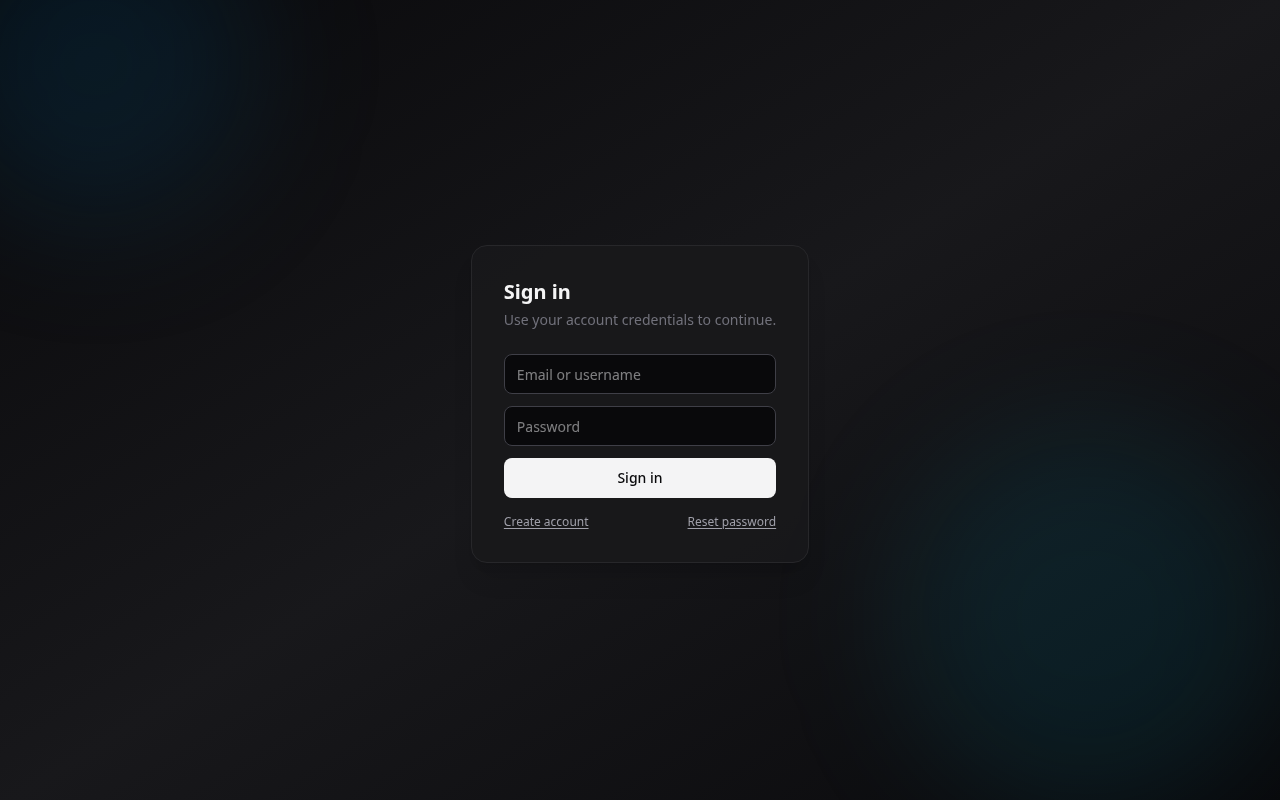
Local account
Create an account with a name, email, and password, then sign in. On a brand-new instance the first account becomes the administrator (see Quick start). If you forget your password, use the reset flow from the login page.
Single sign-on (OIDC)
If your instance has it configured, the login page shows a Sign in with... button for your identity provider (Google, Authentik, Keycloak, and so on). One click signs you in, no separate password to manage.
Depending on how the admin set it up:
- the page may redirect straight to your provider (no login screen at all),
- and local accounts may be turned off, so single sign-on is the only way in.
Setting this up is on the admin side, see Authentication (OIDC).
Your profile
From your profile you manage your account details. Administrators also get an Admin area to review bug reports and manage the instance.