
Settings
Tune how TypeType behaves for you. Everything here is per-account and saved on your instance.
Playback
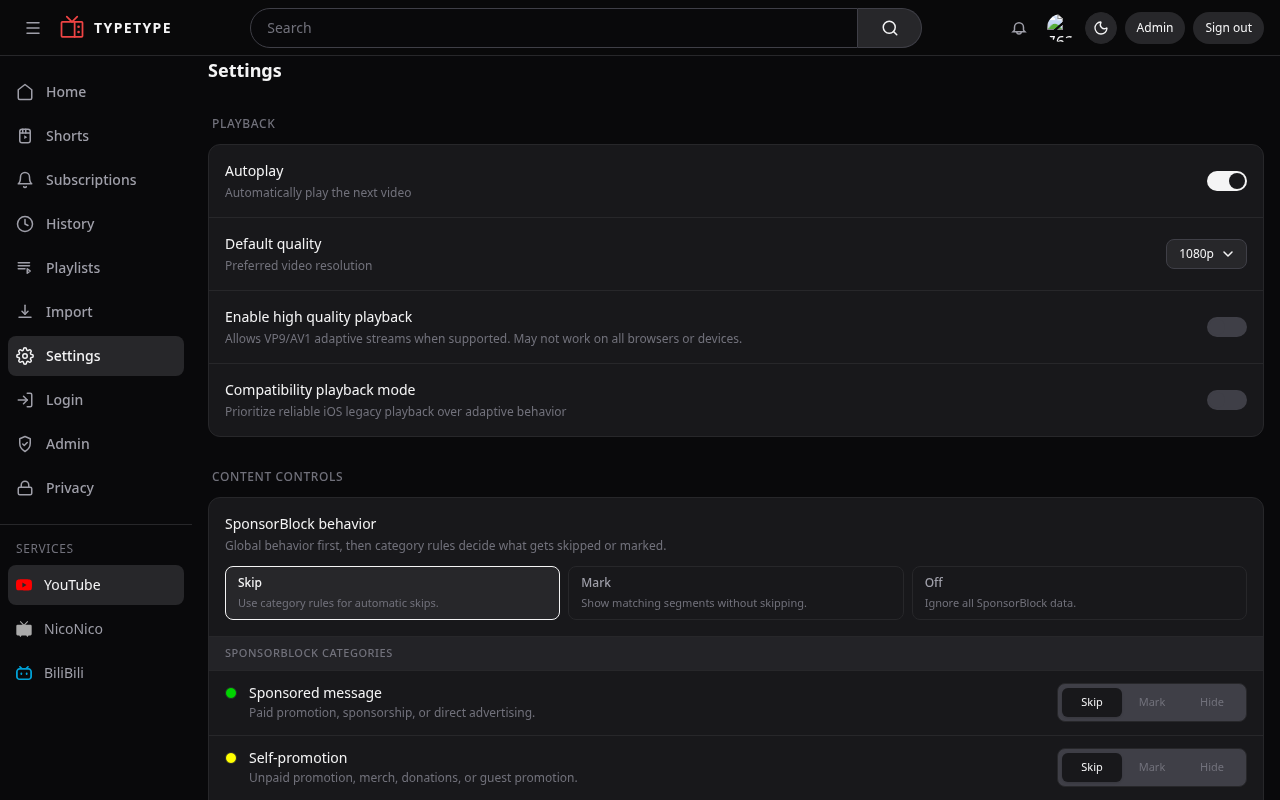
- Autoplay next video, start the next video automatically when one ends.
- Default quality, the resolution videos open at.
- Enable high quality playback, allow higher-quality streams when available.
- Compatibility playback mode, prioritize reliable playback on devices that struggle with the default behavior.
Captions
Customize how subtitles look, size, colors, and background, so captions stay readable the way you like them.
Languages
- Preferred audio track, the audio language to pick automatically when a video has several.
- Force original language, keep the original audio instead of a dubbed track.
SponsorBlock
Decide what happens with community-marked segments:
- Behavior, Skip automatically, Mark them on the bar without skipping, or Off to ignore SponsorBlock entirely.
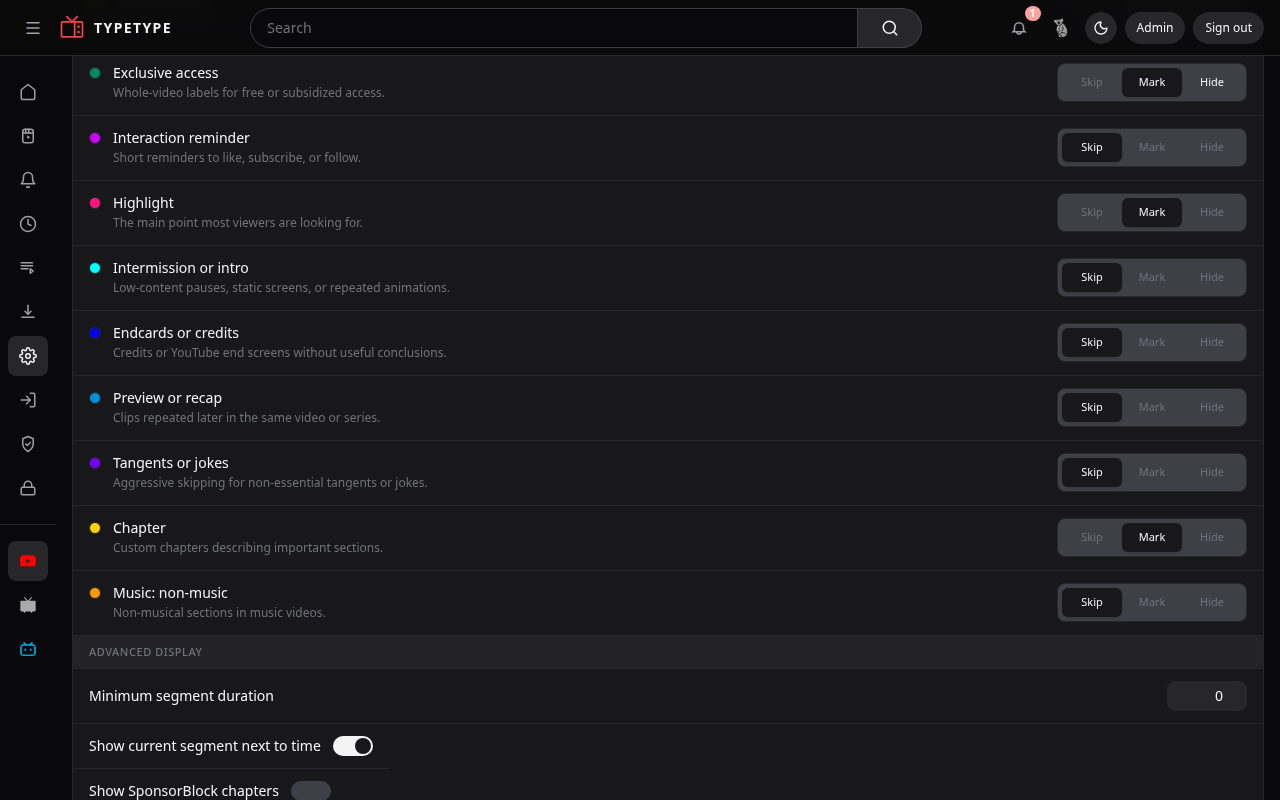
- Categories, choose which kinds of segment count (sponsor, self-promotion, and more), each as Skip / Mark / Hide.
- Finer control, show chapters, show the current segment next to the time, mute instead of skipping, manual skip for full-video labels, and skip non-music only on music videos.
What you see
Shape your surfaces:
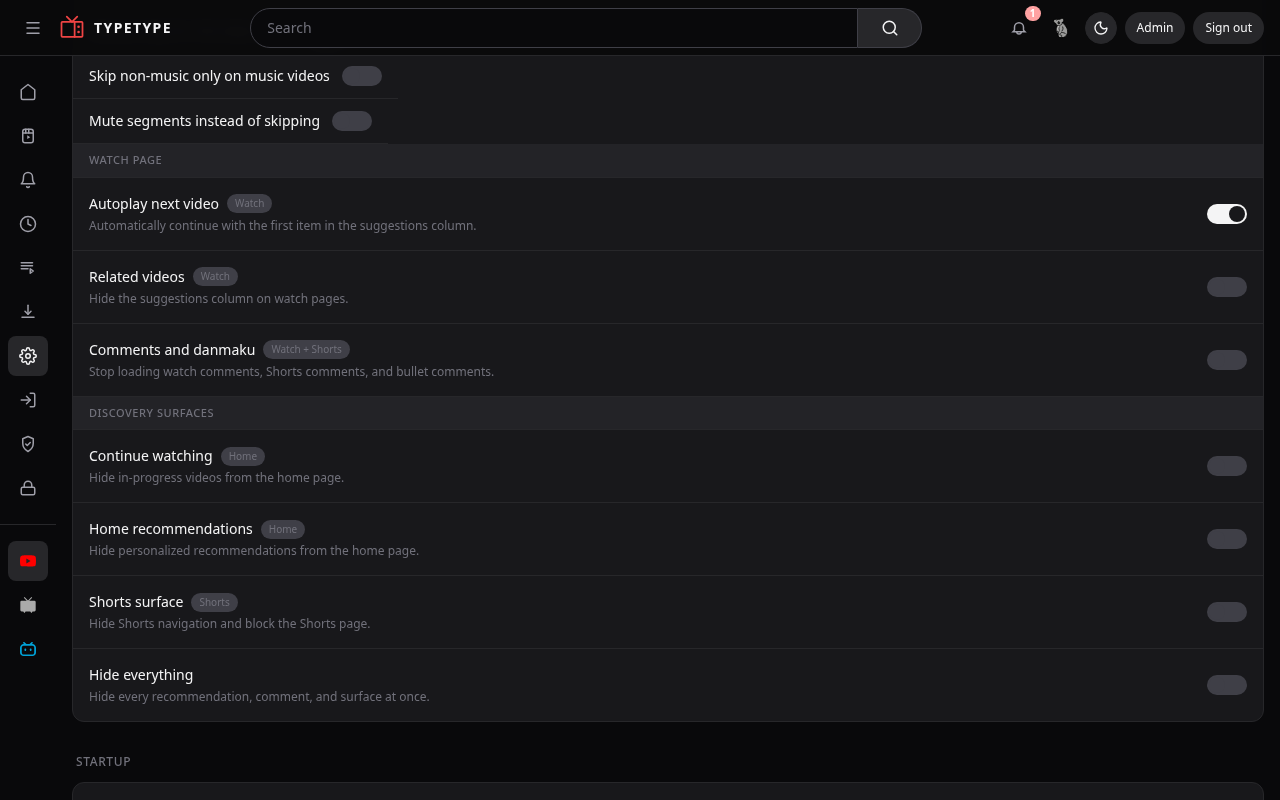
- Hide in-progress videos from the home page.
- Hide personalized recommendations from the home page.
- Hide the suggestions column on watch pages.
- Hide Shorts navigation and block the Shorts page.
- Comments and danmaku, show or hide them.
- Default landing page, open on Home, Subscriptions, or another page.
Service
Pick the active service, YouTube, NicoNico, or BiliBili, so search and browsing target the right source.