
Troubleshooting
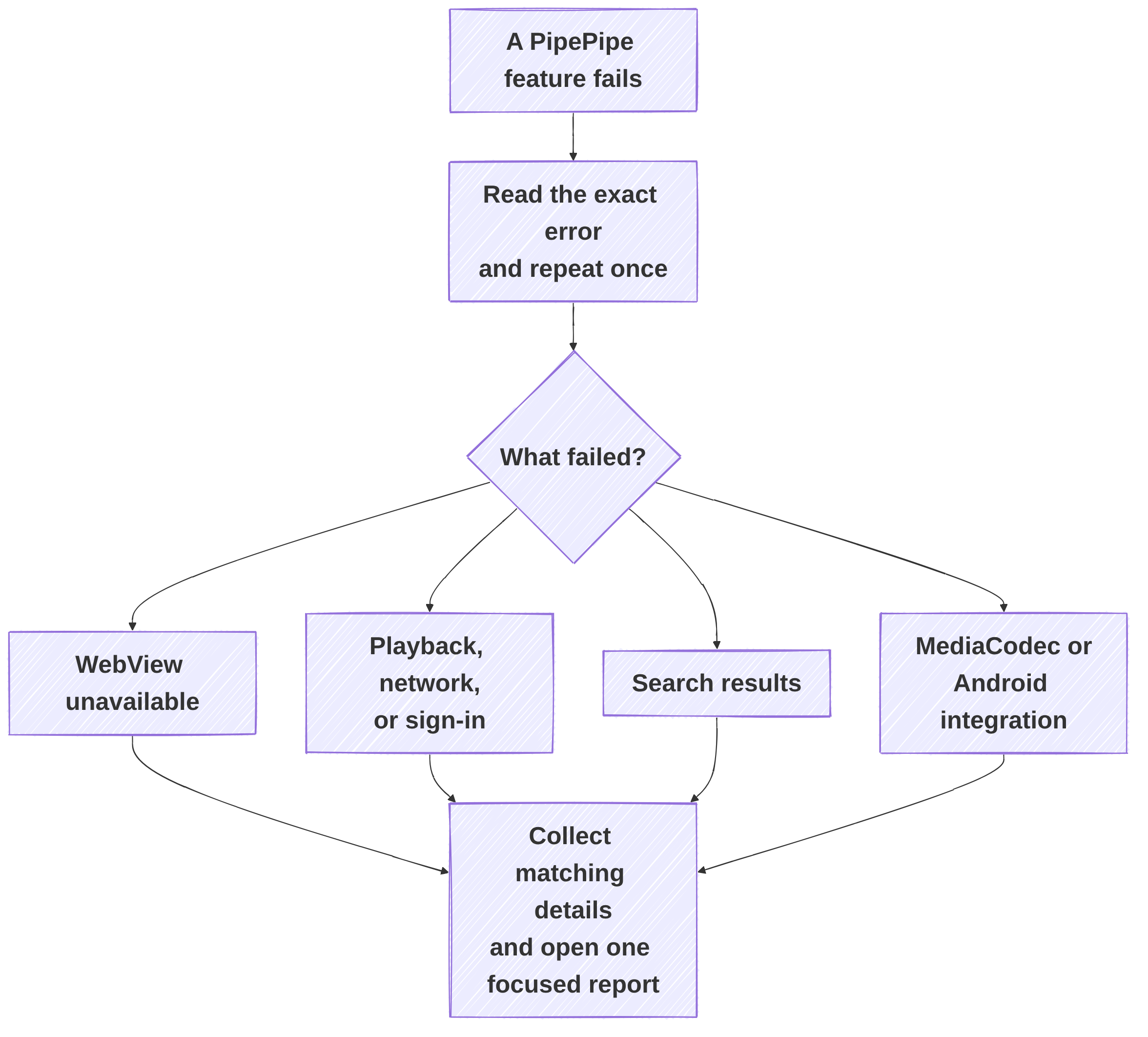
This section is the user-facing map for problems in PipePipe. Start from the exact symptom instead of changing several settings at once: each category below collects the information that is actually useful for a diagnosis.
First steps
- Check your installed version against GitHub Releases.
- Repeat the problem once and record the time, affected URL or query, and the selected YouTube extraction endpoint.
- Open the matching category below. Keep separate symptoms in separate reports.
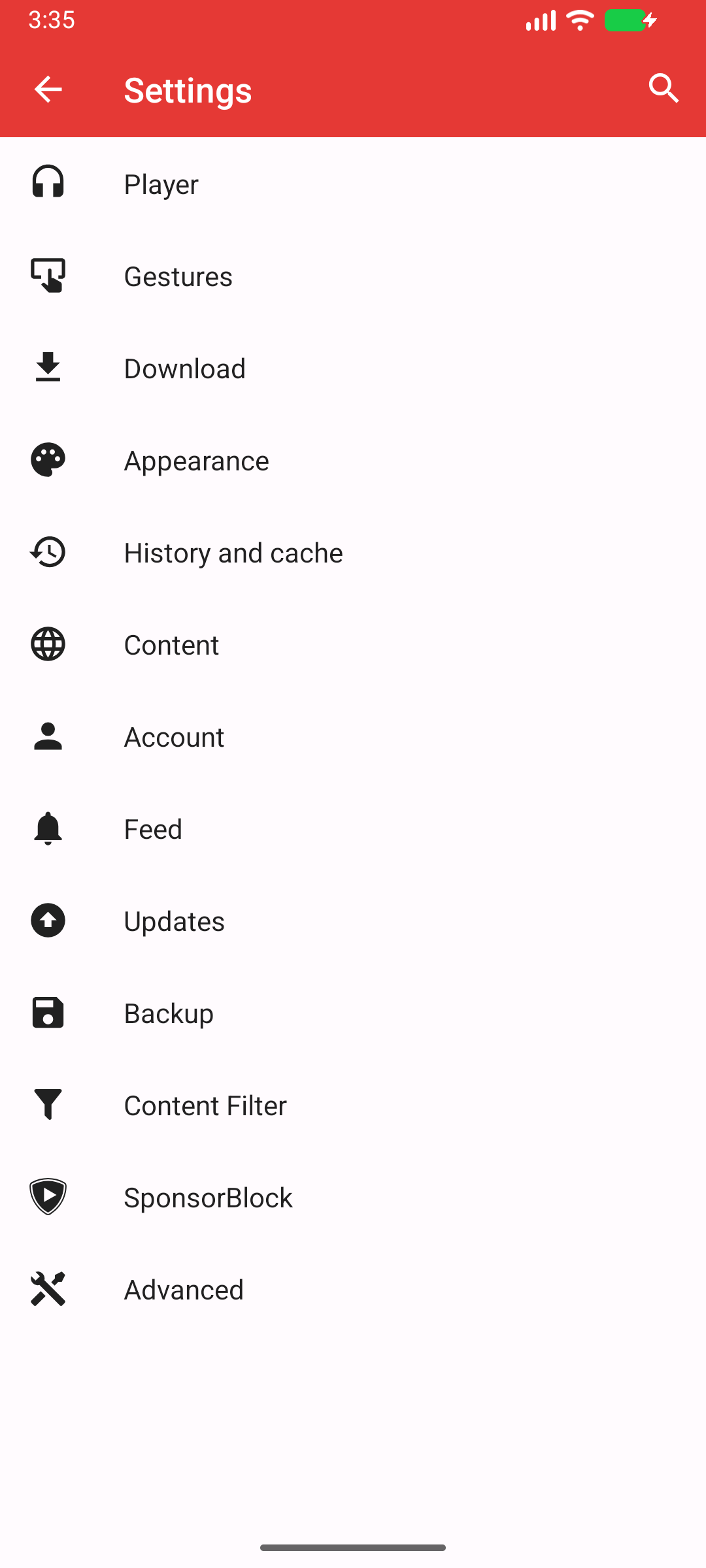
Reference capture: Android 16/API 36. Settings categories and their order can change; use the text and search Settings if your screen differs.
The screenshots are reference images, not a guarantee that every current menu has the same layout. Check GitHub Releases for current changes, and use the exact symptom below to find the right guide.
Find the right branch quickly
| Exact symptom | Start here | Do not assume |
|---|---|---|
| WebView unavailable | WebView and protected playback | That changing the YouTube endpoint bypasses the WebView check. |
Every YouTube video fails; a Google host resolves to 0.0.0.0 or 127.0.0.1 | DNS filtering and playback | That changing endpoint, reinstalling, or updating WebView bypasses DNS filtering. |
| Only one or a few YouTube videos fail while others play | Playback, network, and sign-in | That WebView, DNS, or the whole installation is broken. |
Playback stops around 0:59 with Response code: 403 and Endpoint: visionos | Playback, network, and sign-in | That it is a decoder, WebView, or DNS problem, or that reinstalling helps. |
A very long video fails with Invalid exact SABR segment count | Playback, network, and sign-in | That it is unsupported just because of its duration, or that WebView/codec changes fix this count error. |
AntiBotException, Source error, buffering, live seek failure | Playback, network, and sign-in | That a current WebView or a login proves the cause. |
| No/incorrect search results | Search and discovery | That a player fix will fix search. |
| Link opens in the “wrong” player | Background, popup, fullscreen, and queue | That the preferred-open setting controls in-app taps. |
| Download fails or a partial file remains | Downloads | That final SD-card storage is the only storage used. |
| Lost local data after migration | Setup, updates, and backups | That an import behaves as a reversible merge. |
| App/UI/locale/device-specific issue | App and device | That it is automatically a YouTube extractor fault. |
Setup and reporting
- Setup, updates, and backups: installation, update source, import, export, and safe migration.
- Reporting a problem: the evidence that makes an issue reproducible.
YouTube and playback
- WebView and protected playback: PipePipe says WebView is unavailable, or a system WebView provider is missing, locked, or incompatible.
- Playback, network, and sign-in:
AntiBotException, DNS filtering,Source error, buffering, endpoint choice, or logged-in playback. - Search and discovery: empty, wrong, or incomplete search results.
- Background, popup, fullscreen, and queue: lifecycle, rotation, picture-in-picture, queue, and playlist transitions.
- Downloads: format, storage, partial file, and merge failures.
Library and content controls
- Playlists, history, and subscriptions: local library, feed, channel, playlist, import, and position problems.
- Filters, comments, and subtitles: content filtering, comments, bullet comments, and caption behaviour.
App and device
- MediaCodec and Android Auto: decoder/surface workarounds and Android Auto visibility.
- Accounts and services: sign-in, cookies, reCAPTCHA, restricted content, and service-specific reports.
- Interface and language: experimental UI, layout, share sheet, notifications, language, and content-country behaviour.
One symptom, one report
WebView, stream playback, and search can fail at the same time after an upstream YouTube change. They still take different code paths. Separating them gives the maintainer a usable reproduction instead of one ambiguous report.