
Downloads
Before reporting a download failure
Record the service and URL, selected format/resolution, download directory or document provider, available storage, login state, and whether the failure happens before download, during download, or while merging audio and video. State whether it is an audio-only, video-only, or merged audio+video download; those paths do not fail in the same place.
Common distinctions
- A stream that plays but does not download can be a downloader or format issue.
- An incomplete file needs its final size, selected format, and the point at which it stopped.
- A storage-provider failure needs the Android version and whether the destination is internal storage, SD card, or a document provider.
- An audio download without artwork or a thumbnail is a feature request, not a playback bug.
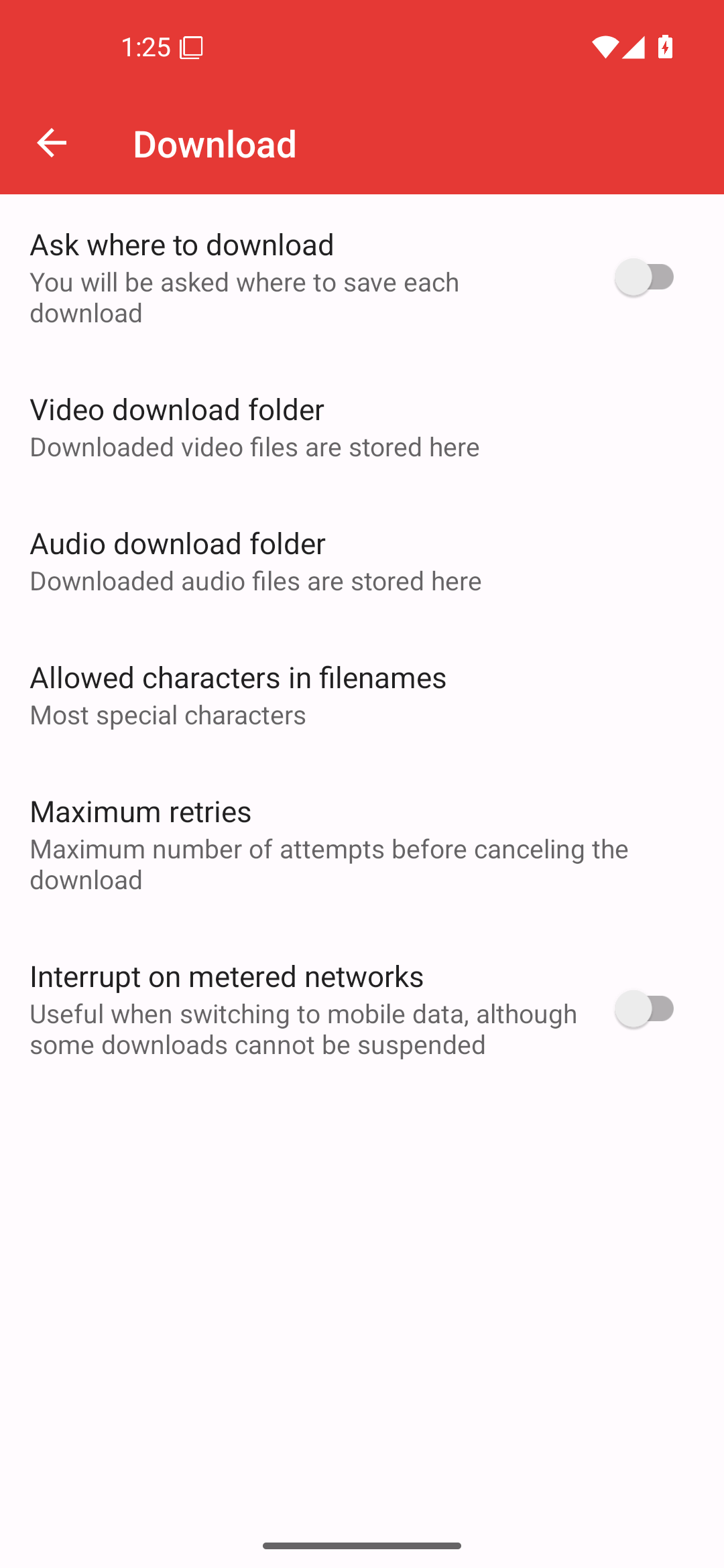
Reference capture: Android 16/API 36. The video/audio folder controls define final destinations; they do not show temporary internal working storage.
The configured directory is the final location. Temporary download work files may still use PipePipe's internal app storage and are removed on successful completion. Therefore “my SD card is selected” does not prove that temporary internal storage was sufficient. Report both free internal storage and free destination storage, plus whether the failure happens before the final file appears.
WARNING
Do not enable a YouTube/SABR experimental option just to make downloads work. A video opened while such an option was enabled can retain cached stream information for a while after it is disabled. If you are diagnosing that state, disable the option, fully stop PipePipe, reopen the video fresh (or wait for cached metadata to expire), then test the download once. State exactly which build and setting you used.
HLS/live-style downloads can have different limitations from ordinary progressive streams. Do not label a limitation as a “corrupt MP4” unless you have the selected format and the exact download-stage error.
Do not retry by deleting the only useful partial file before recording its error.
Download report template
Service and content URL:
PipePipe version / Android version:
Chosen audio/video format and resolution:
Final destination (internal / SD card / document provider):
Free internal storage / free destination storage:
Failure stage (start / transfer / merge / move to final folder):
Exact message and whether playback of the same item works:
Login state and relevant experimental settings: