
Settings reference
This visual reference complements the focused Player and Behavior pages. The Player and Advanced captures below use PipePipe 5.3.1-beta on Android 16/API 36. Other screens keep their version in the image name until they are refreshed. Labels can move between releases; use Settings search if yours differ.
Player and gestures
The Player screen combines quality, format, opening action, app-switch, autoplay, and queue controls. The Gestures screen controls player interactions separately.
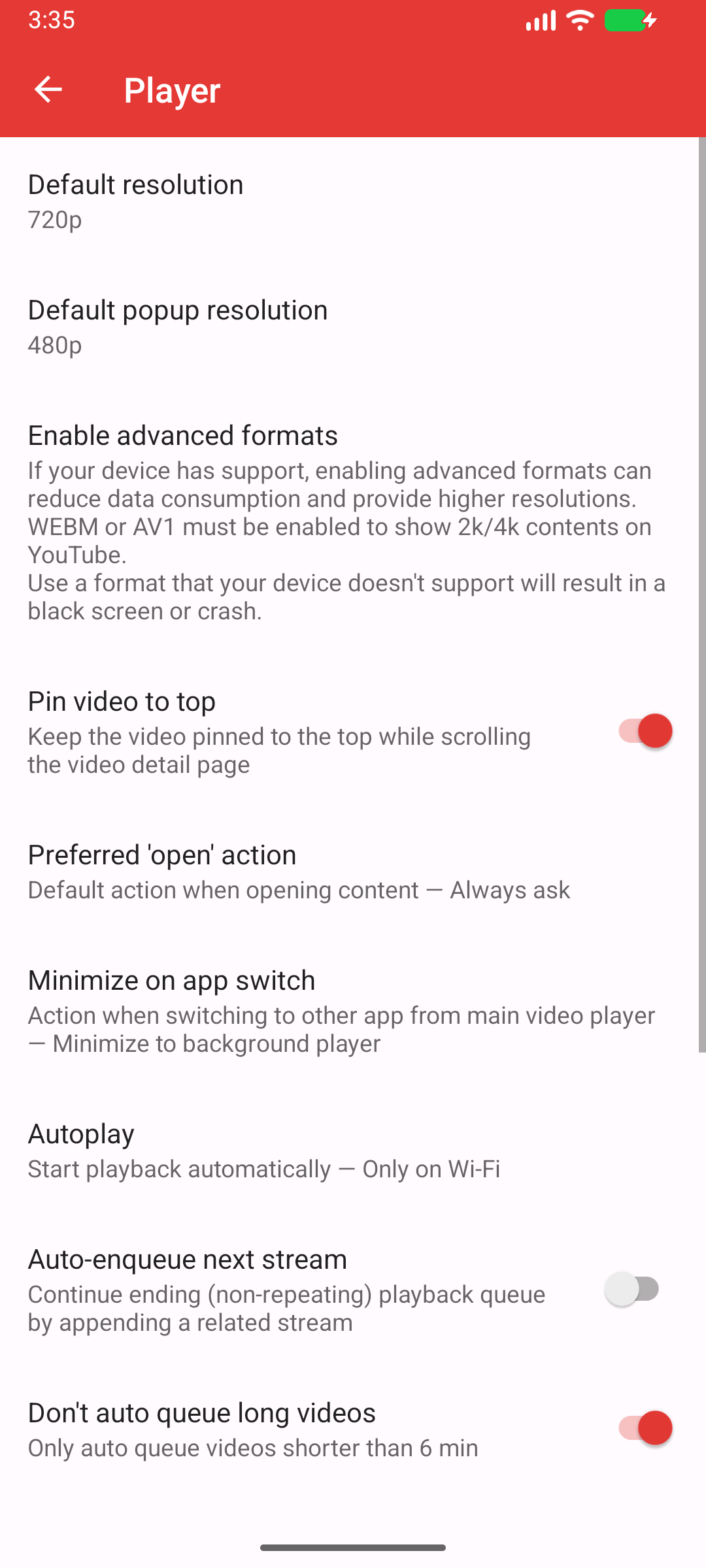
Current capture: PipePipe 5.3.1-beta · Android 16/API 36. 1 is used for external links handed to PipePipe; 2 controls leaving the main player for another app.
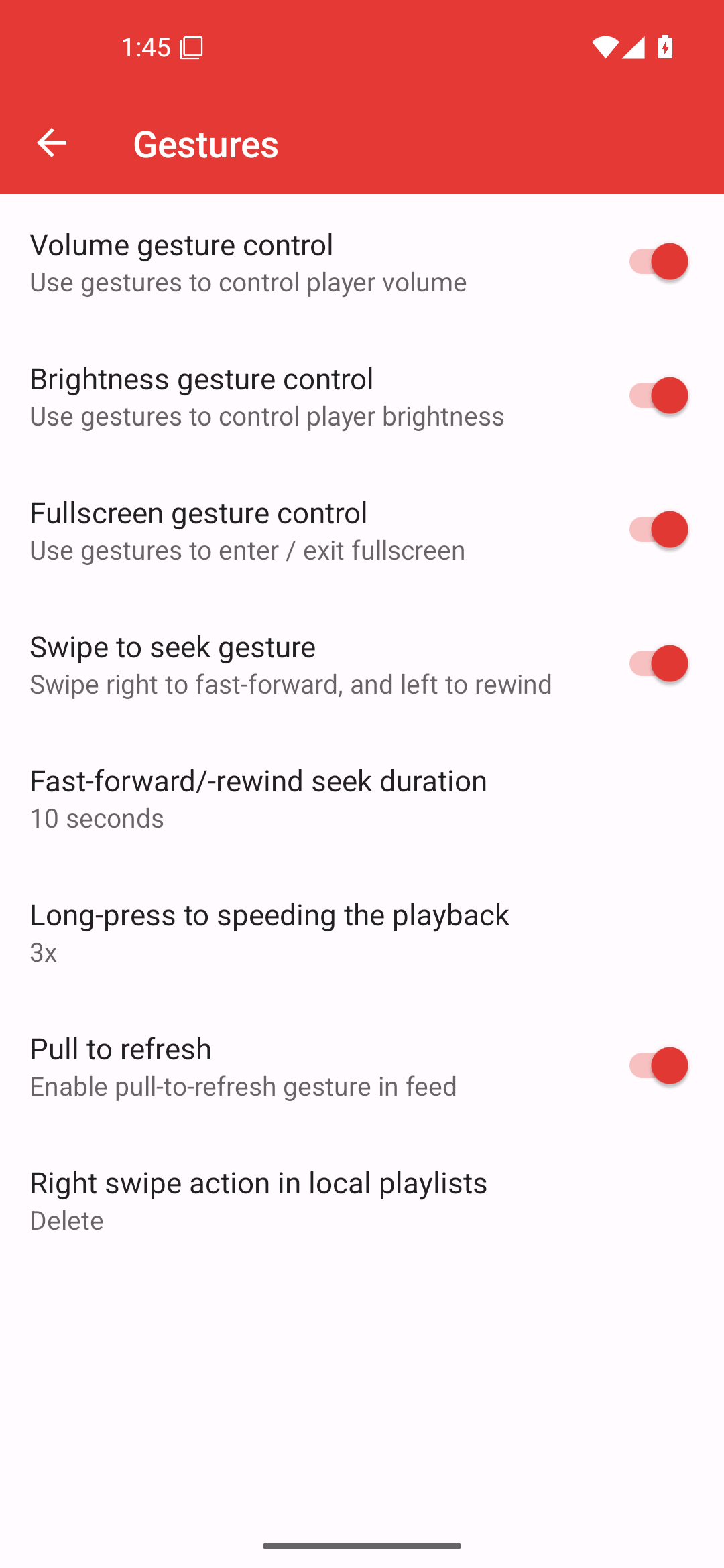
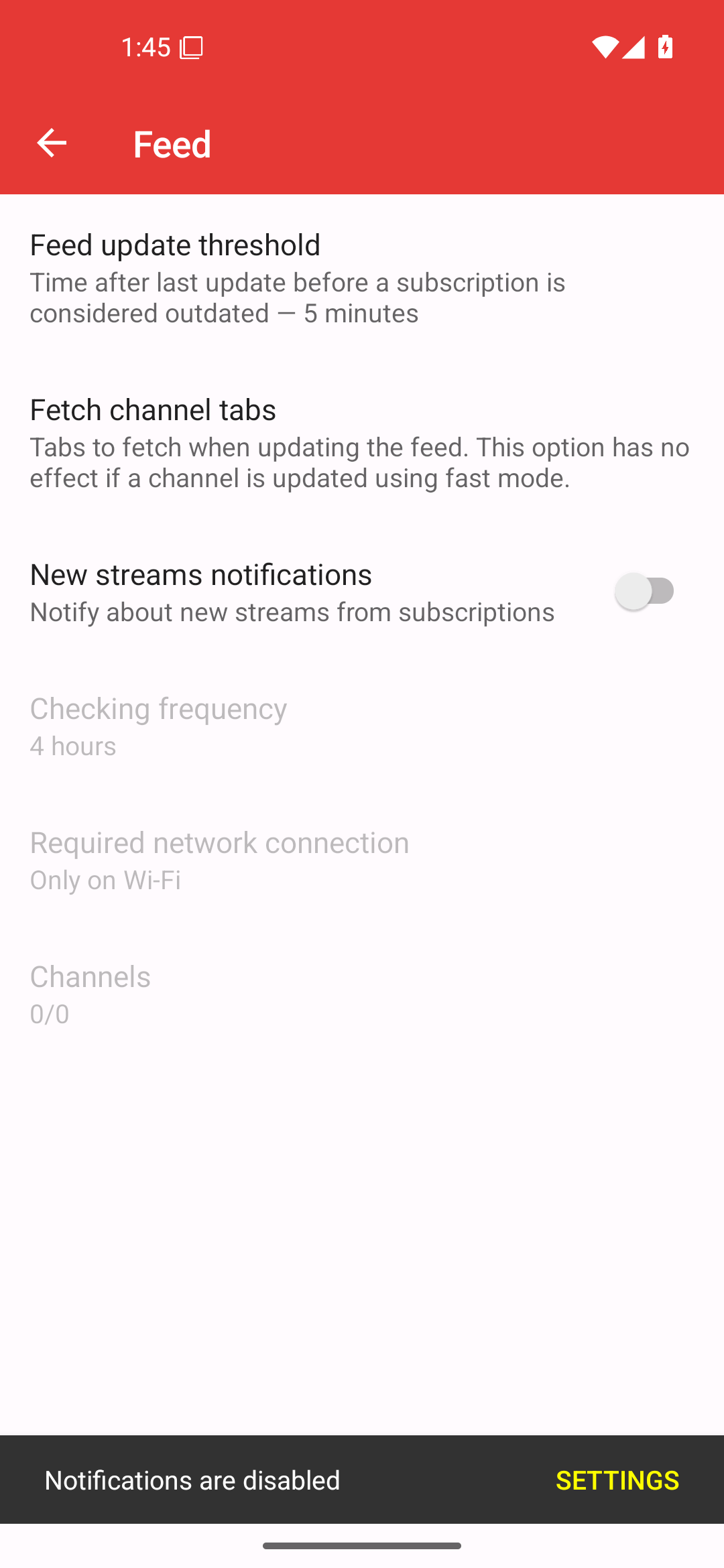
Appearance, content, and feed
Appearance changes theme, grid, and tab layout. Content changes what is shown for videos and channels. Feed controls the subscribed-content experience. These are presentation settings; they do not repair an extractor or playback failure.
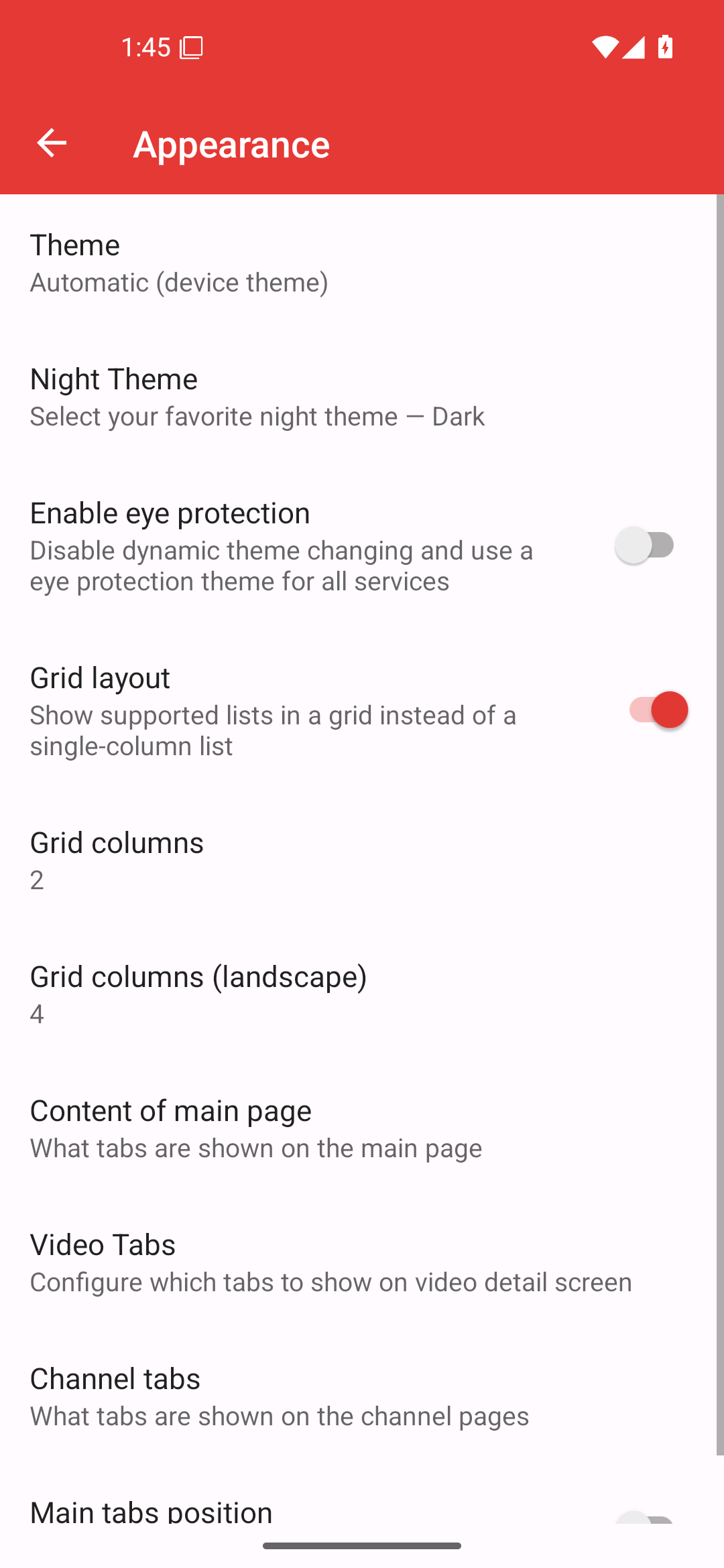
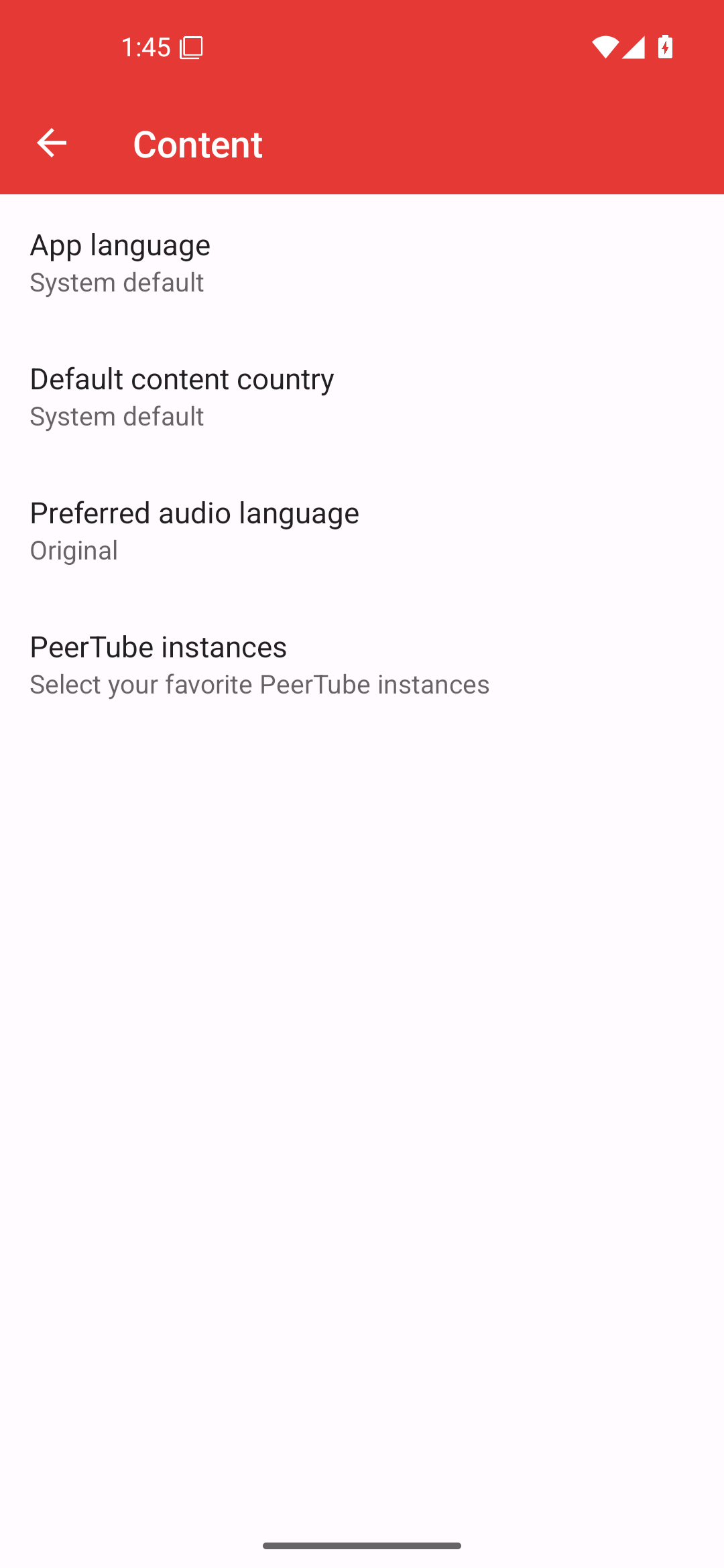
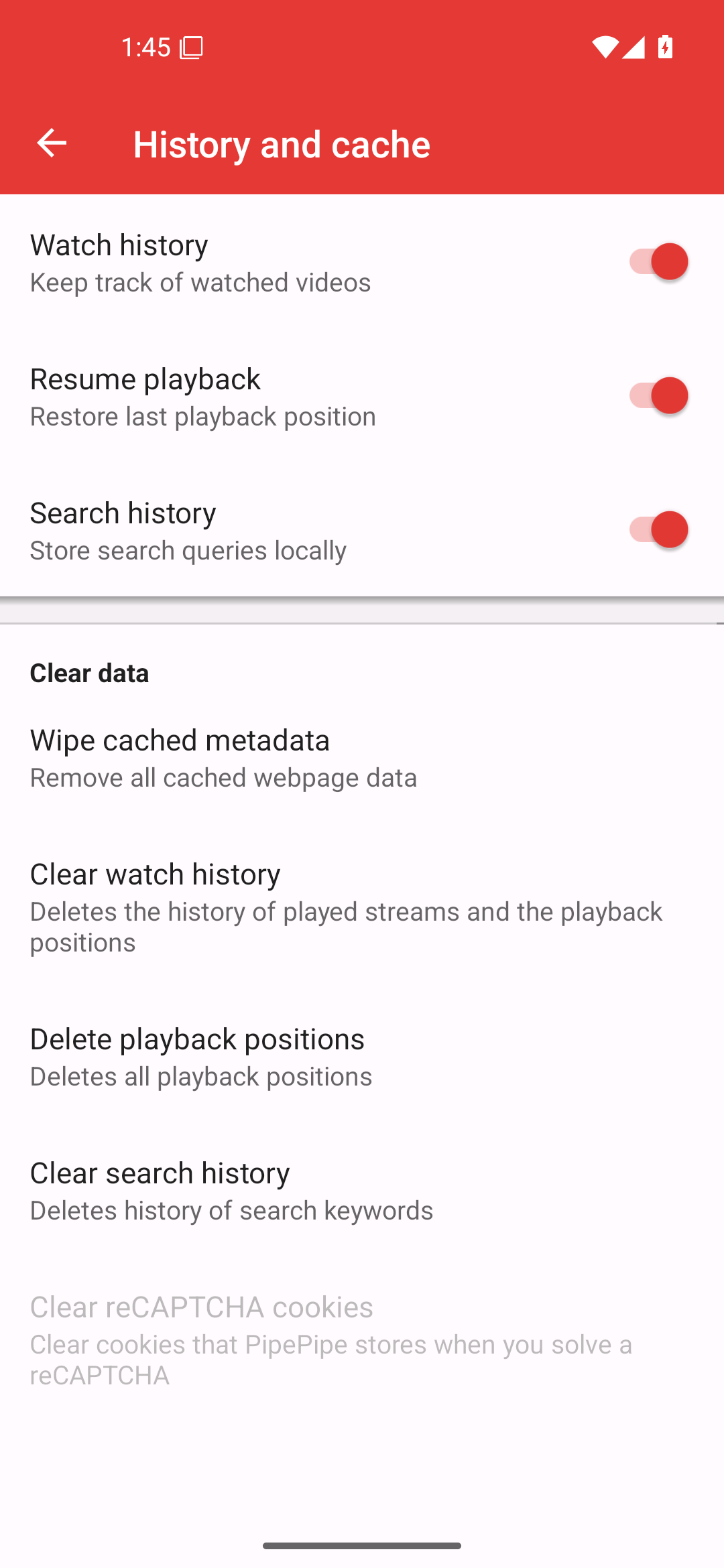
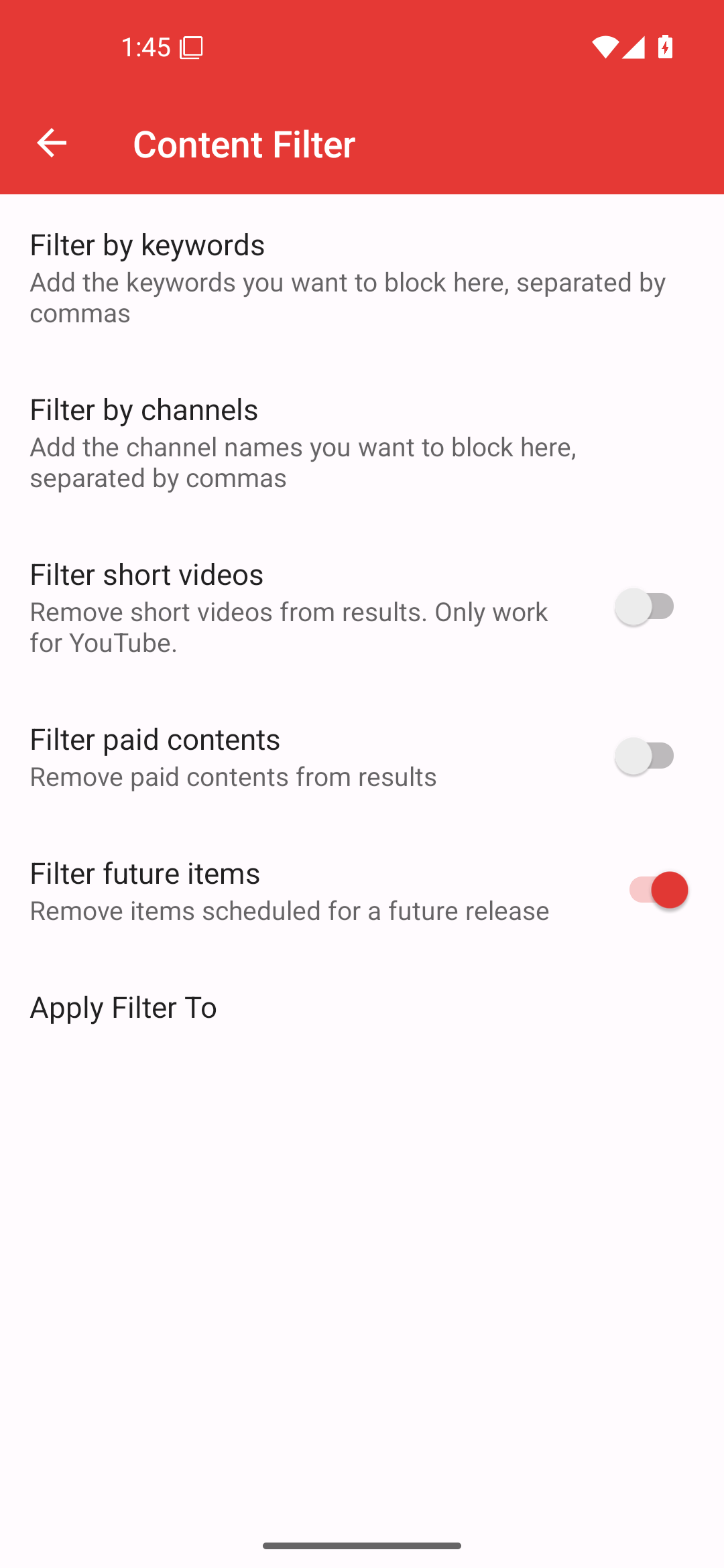
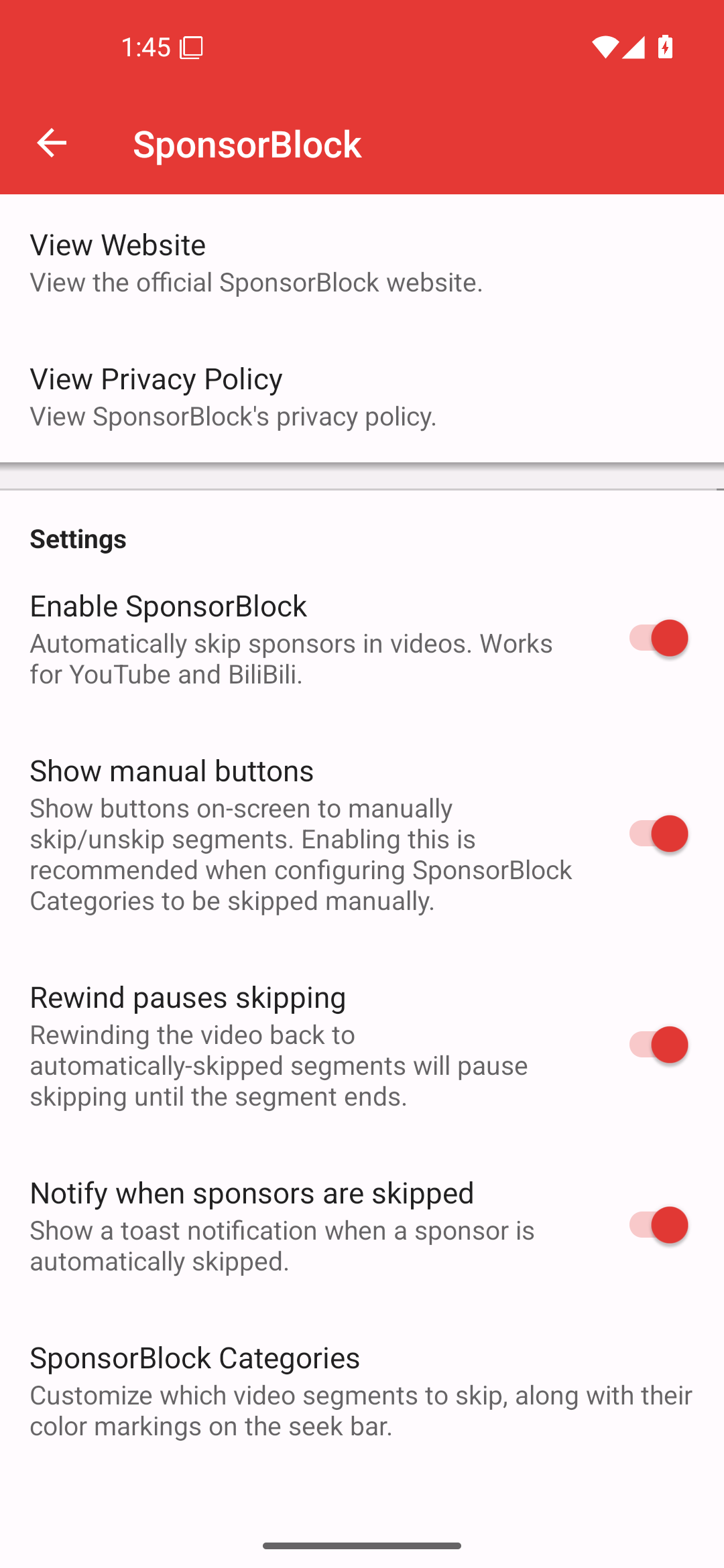
Local data and filtering
History and cache, filters, and SponsorBlock each affect different data or surfaces. Change one category at a time when diagnosing an unexpected result.
Advanced
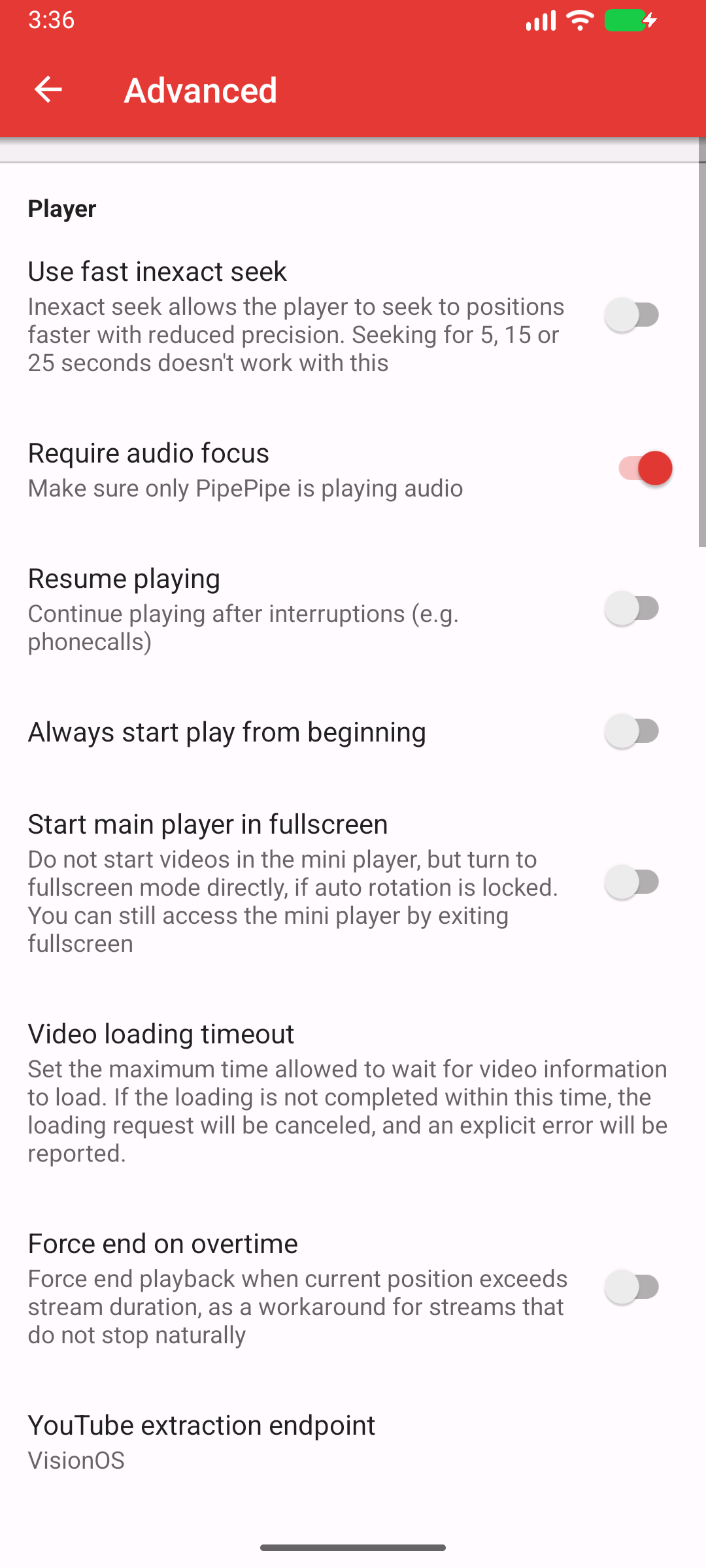
Advanced contains compatibility and player-adjacent controls. Do not switch several of them together: record the initial value, change one option, and retest the same video. For decoder and surface workarounds, see Android playback and integration.
More task-specific screens
- Downloads shows destination and retry controls.
- Accounts and services shows service entries and WebView-cookie clearing.
- Setup, updates, and backups highlights prereleases and the manual update check.
- Backup and restore highlights export before import.